












How Can Microsoft Word Help Me Create Documents Easily?
Discover the essential features of Microsoft Word for beginners, including document creation, formatting, saving, and printing.
Project management, note-taking, time tracking, and team collaboration
Discover the essential features of Microsoft Word for beginners, including document creation, formatting, saving, and printing.
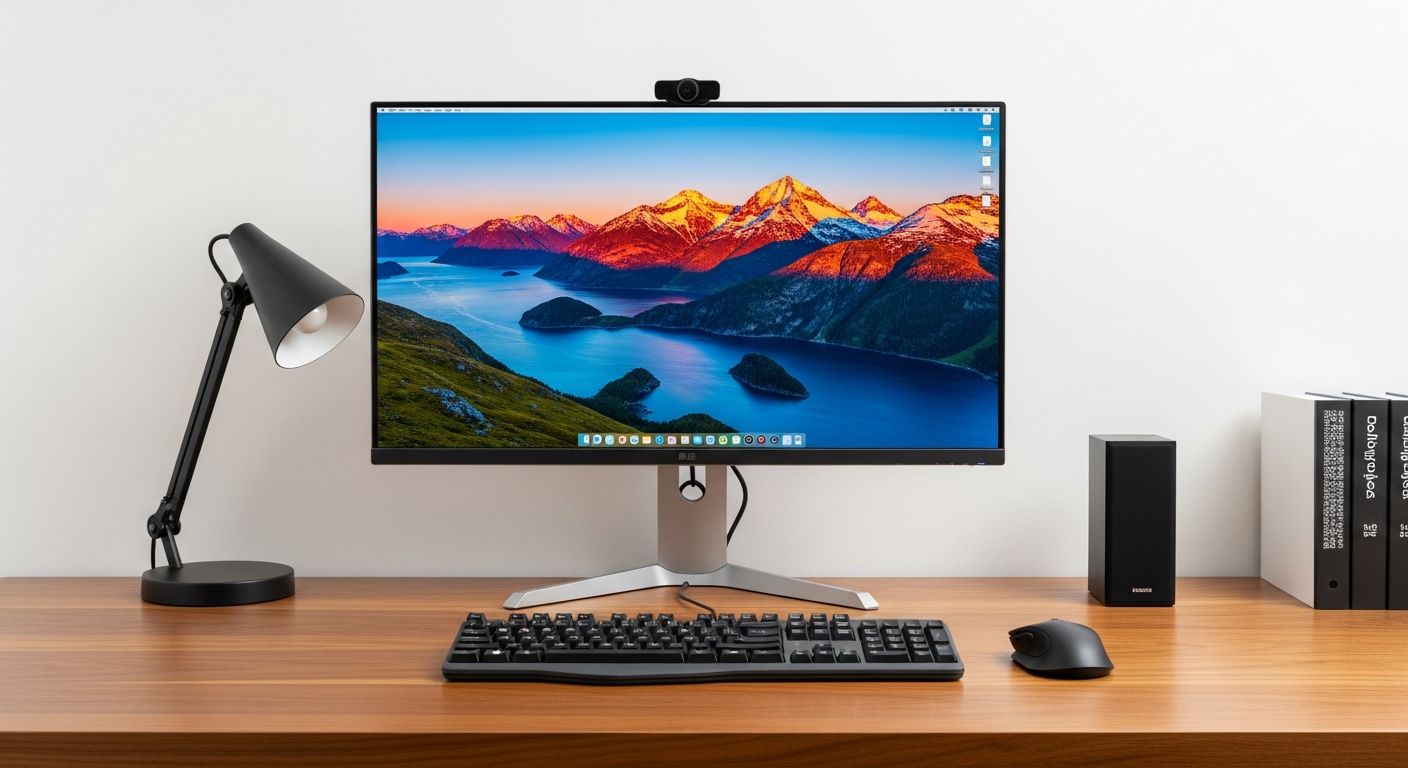
Compare popular web browsers like Chrome, Firefox, Edge, and Safari to help absolute beginners choose the best one for their needs.

A beginner's guide to using email effectively for communication, covering sending, receiving, attachments, and organization.
Learn the absolute basics of web browsers, including what they are, how to open them, and simple navigation tips for beginners.

A beginner's guide to using search engines, focusing on Google, to effectively find information, images, and videos online.

Explore the top free note-taking apps designed for beginners. Find out which app offers the easiest start for organizing your thoughts and tasks digitally.

Discover how task management apps like Todoist and Trello can boost your productivity. Learn to add tasks, set reminders, prioritize, and organize your daily to...
Master your email inbox with this beginner's guide. Learn to send, reply, organize, and manage attachments and spam using popular email services like Gmail and ...

Demystify cloud storage with this beginner-friendly guide. Understand what it is, why it's useful, and how to upload, download, and share files securely with se...

Explore built-in accessibility features on computers that help seniors with vision, hearing, and mobility challenges use technology more comfortably.
Master bookmarks and browsing history! Learn to save your favorite websites, organize them, and manage your past browsing for convenience and privacy.
Demystify search engines! Understand how they work, master basic Google searches, interpret results, and find information efficiently on the internet.