
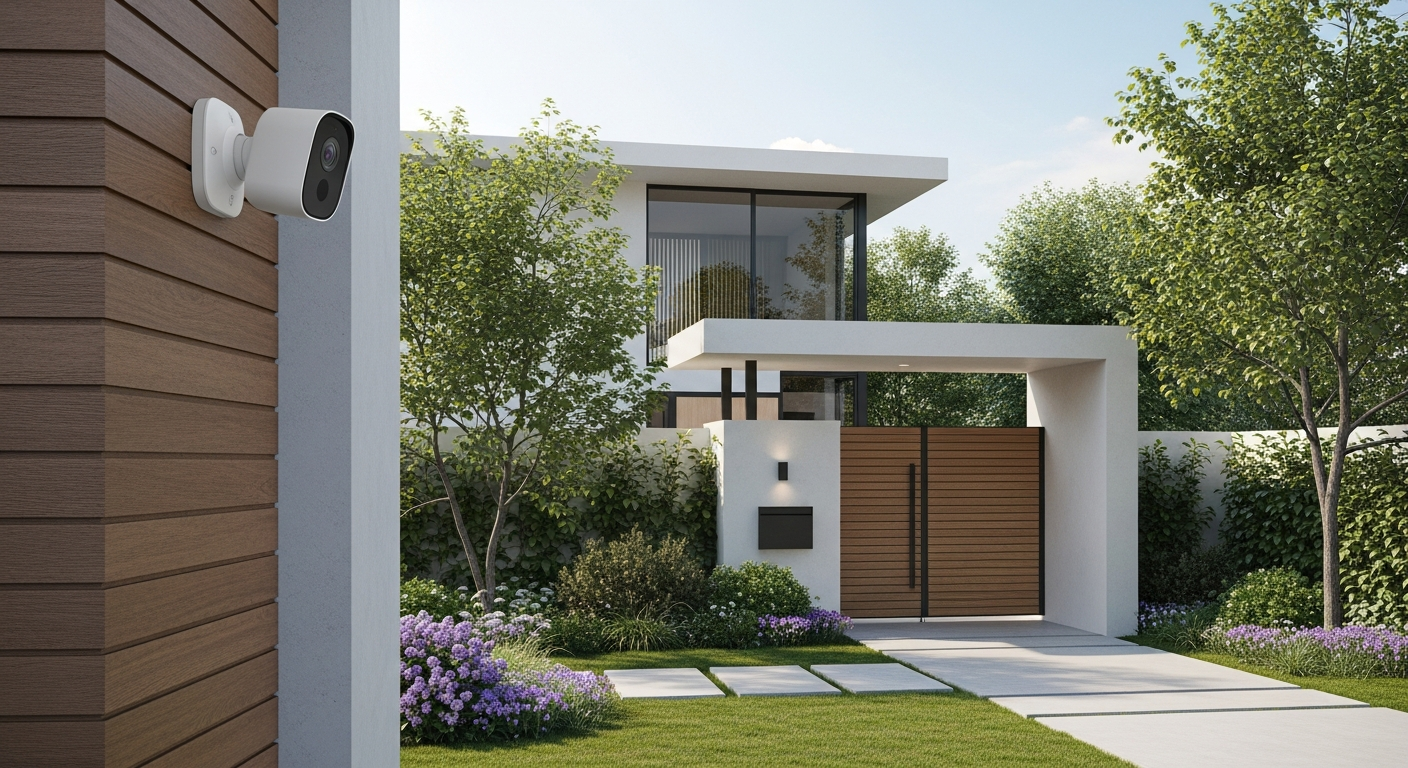
Smart security cameras are like having an extra set of eyes on your home, even when you're not there. They use modern technology to help protect your property and loved ones, giving you peace of mind.
1. What is a smart security camera?
A smart security camera is a digital camera that connects to your home's internet (Wi-Fi). This connection lets it send live video to your phone or computer, and often store recordings online. It's "smart" because it can do more than just record, like detect motion or hear sounds.
2. Do smart cameras record all the time?
Most smart cameras don't record constantly. Instead, they typically record when they detect motion or sound. This saves storage space and battery life. You can usually customize these settings, so they only record what matters to you.
3. Where should I place smart security cameras?
For outdoor cameras, focus on entry points like front doors, back doors, and ground-floor windows. Indoor cameras are good for main living areas, hallways, or near valuables. Avoid pointing them directly at bright lights or busy streets to prevent false alerts.
Indoor Cameras
- Monitor pets or children
- Check on elderly family members
- Deter package theft (if facing a door)
- Watch for intruders inside your home
Outdoor Cameras
- Monitor front/back yard activity
- Identify visitors at your door
- Deter potential burglars
- Keep an eye on deliveries
4. Can smart cameras see in the dark?
Yes, most smart security cameras come with "night vision." This technology uses infrared (IR) light, which humans can't see, to illuminate dark areas. The camera then captures these images, letting you see clearly even in complete darkness, usually in black and white.
5. Do smart cameras require a subscription for storage?
Many smart cameras offer a subscription service for "cloud storage," which means your recordings are saved online. This often includes extra features like longer video history or advanced detection. However, some cameras offer free limited cloud storage, or let you save videos locally on an SD card or a home hub without a subscription.
6. What is two-way audio on a smart camera?
Two-way audio means your camera has both a microphone and a speaker. This allows you to not only hear what's happening near the camera but also speak through it using your phone. It's great for talking to delivery drivers, pets, or even warning off unwanted visitors.
7. How do smart cameras notify me of activity?
When a smart camera detects motion or sound, it sends an alert directly to your smartphone or tablet. These alerts are usually "push notifications," similar to a text message. You can then open the camera app to view the live feed or review the recorded event.
How Smart Camera Notifications Work
8. Are smart cameras easy to install?
Many smart cameras are designed for easy, DIY (Do-It-Yourself) installation. Wireless models often just need to be placed and connected to your Wi-Fi using a smartphone app. Wired cameras might require a bit more effort to hide cables or connect to power, but most are still straightforward for beginners.
9. What about my privacy with smart cameras?
Privacy is important. Choose cameras from reputable brands that use strong encryption to protect your data. Only place cameras where you need them for security, avoiding areas like bathrooms. You can also turn off cameras or use privacy zones (blocking certain areas from view) when you're home.
10. What are some popular smart camera brands for beginners?
For those new to smart cameras, popular and user-friendly brands include Ring, Arlo, Eufy, and Wyze. These brands often offer a range of indoor and outdoor cameras with easy setup, reliable performance, and clear smartphone apps, making them great starting points for home security.